Seeing “DND” on Instagram or TikTok can be confusing, especially if you’ve never noticed it before. You might assume it blocks messages, hides your online status or prevents people from contacting you. But that’s not necessarily what happens.
In reality, DND can affect notifications in ways that leave many users wondering why alerts have suddenly disappeared or why the apps seem quieter than usual.
Before changing any settings, it’s worth understanding exactly what DND does, what it doesn’t do and how it works on both Instagram and TikTok. By the end of this guide, you’ll know exactly what DND does, why your notifications might stop appearing and whether it’s actually the reason your apps feel quieter.
What Does DND Actually Mean?
Do Not Disturb (DND) is intended to limit interruptions via the management of the displaying, timing and alerting of notifications on your device. With DND enabled, your device will not notify you in real time of the actions occurring in applications. This means:
- Notifications don’t show pop-ups on your screen
- Sounds and vibration alerts are silenced
- Instagram, TikTok and other app notifications are delayed or hidden
- Instagram, TikTok and other app notifications are just delayed or hidden sometimes
But remember, nothing gets blocked. Your messages, likes, comments and follows still come through just fine, though they might be a bit late. They are just not pushed to you as real-time alerts. So instead of thinking of DND as a “block,” it’s better to think of it as a filter for interruptions.
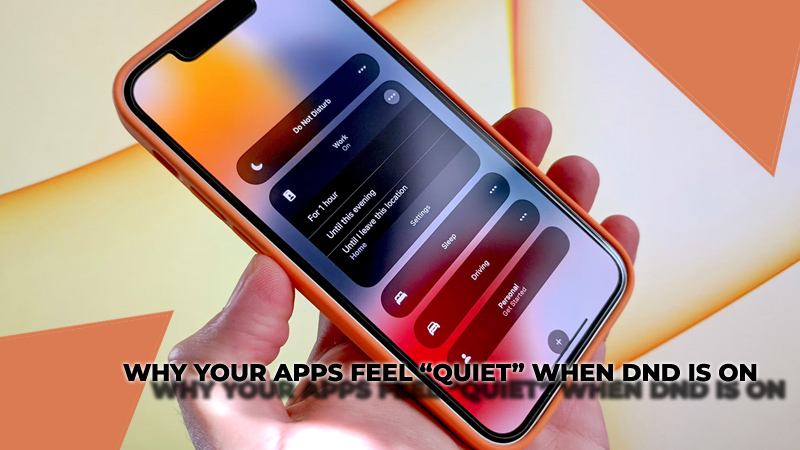
Why Your Apps Feel “Quiet” When DND Is On?
One of the most common misunderstandings about DND is that something is broken when notifications stop appearing. In reality, this is exactly how DND is supposed to work. When it’s enabled:
- You won’t hear notification sounds
- You won’t see instant alerts for Instagram or TikTok activity
- Updates will only become visible when you open the app
This creates the impression that messages are missing or apps are inactive, when in fact everything is still happening in the background. That’s why many users only realize DND was on after checking their settings.
How DND Affects Instagram?
Instagram can be affected by both your phone’s system-level Do Not Disturb setting and its own internal notification features. However, the way DND works does not actually change how people interact with your account.
When your “Do Not Disturb” feature is turned on, Instagram isn’t affected. People can still message you directly, like and comment on your posts. They can also mention you in their stories and keep interacting with your content without any limits. Users won’t notice any change in how you communicate through the app.
The only difference happens on your side. Your account is still active, and all interactions are still happening in real time, but your device may not show you immediate notifications. Instead, alerts are delayed or hidden until you turn DND off or manually check the app.
Although DND and Quiet Mode on Instagram share the common purpose of reducing interruptions, they are different. Quiet Mode is a feature of Instagram that offers a way for users to reduce the number of notifications they receive from Instagram through the app only. Additionally, Do Not Disturb (DND) mode will prevent you from receiving any type of notification across your device, including those from apps.
In simple terms, both features aim to reduce interruptions, but they operate at different levels and in different ways.
DND on TikTok: Why Notifications Seem Delayed
Accessible DND (Do Not Disturb) mode from TikTok will allow you access to the app. The TikTok app will run normally while on DND mode and activity from all users will still happen in real-time.
People can still like your videos, leave comments, follow your account, send messages and even interact with live streams without any interruption. From TikTok’s side, nothing is paused or restricted.
The only change happens on your device. Since DND silences notifications, your phone does not alert you instantly when these actions occur. As a result, it may feel like notifications are delayed or even missing altogether.
TikTok users often think the app has stopped sending out notifications when in fact it’s just that notifications have been suppressed by DND. Once you turn off DND, your device will typically show all of your missed or pending notifications again like normal too.
Common Reasons Notifications Stop Working
DND is often blamed for missing alerts, but it’s not always the cause. If Instagram or TikTok notifications are not showing, check the following:
- Notification permissions are enabled for both apps
- Battery-saving mode is not limiting background activity
- In-app notification settings haven’t been changed
- The apps are updated to the latest version
- Instagram Quiet Mode is not active
In many cases, the issue is caused by a combination of settings rather than DND alone.
DND vs Mute: A Simple Difference
DND and Mute are often confused, but they actually serve very different purposes. DND is focused on notifications. It limits distractions by muting all notification sounds or just for specific apps. With it turned on, you won’t hear those annoying dings. Perfect for focusing, relaxing or avoiding constant interruptions, so give it a try if you need some quiet time.
On the other hand, mute is about content control rather than notifications. It allows you to hide posts, stories or updates from specific accounts without unfollowing them. In other words, you’re still connected to the person, but you choose not to see their content in your feed.
D&D is about blocking distractions, while Mute just limits screen notifications. Knowing their differences lets you adjust social media settings smoother and easier.
What You Should Remember
Do Not Disturb (DND) helps you to control what type of a notification will pop up on your device from [Instagram or Tic Tok ] and ultimately helps to minimize the amount of distraction you experience as well. This does not prevent direct messages, likes or interactions from coming into your account. DND only silences the notifications so that you can check them on your own time.
As a result of all of these reasons it is very common that users will be confused when their notifications suddenly stop showing up, because usually DND mode is only one of the reasons and if you also consider notification permissions, the battery saving restrictions or the app settings could also cause a lack of notification.
The key takeaway is that nothing is actually broken when DND is on. Once you understand how it works across Instagram and TikTok, it becomes much easier to recognize why your apps feel quieter and how to quickly fix notification issues without confusion or unnecessary changes.