How to See Someone’s Highlight cover on Instagram?

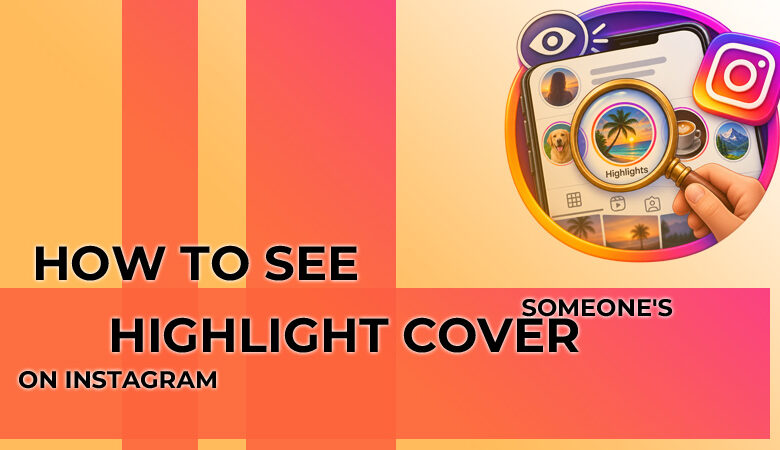
Think of a highlight cover as the small, round image that gives each saved Story group a label. It might be a simple icon, a product photo, a word like “Reviews,” or a colour that matches the page’s style. For brands, creators, and even casual users, the Instagram highlight cover works like a quick signpost, making saved Stories easier to scan before someone taps.
Can You See an Instagram Highlight Cover ?
Yes, you can usually see a highlight cover when the profile is public, or you are already an approved follower. The easiest route is to open the profile and check the circular Highlights below the bio. For a clearer view, an Instagram highlight cover may need browser zoom, a screenshot, or a safe public downloader. Private accounts should only be viewed with the owner’s permission.
How to See an Instagram Highlight Cover
in the App ?
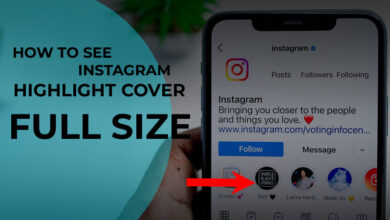
To check an Instagram highlight cover in the app, open the profile and look just under the bio, where the round Highlight buttons sit. Tap the circle once, then watch the first frame carefully, because the cover may appear before the saved Stories begin. If the profile has many Highlights, swipe across the row and compare the icons, labels, and colours. This method is best for a quick visual check when you only need to identify the cover style, category, or branding.
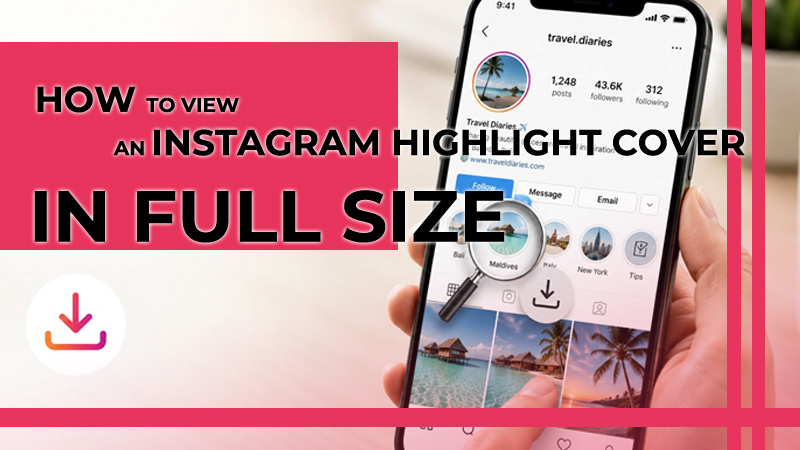
How to View an Instagram Highlight Cover in Full Size ?
A browser view can help when the cover looks too small in the app. Open the profile on your phone browser or desktop, then use page zoom to look closer at the small details, such as the icon shape, short text, or colour style. Just remember that Instagram may still show a compressed version, so this is not always a true full-size image. For a cleaner copy, an Instagram highlight covers downloader may work better on public profiles.
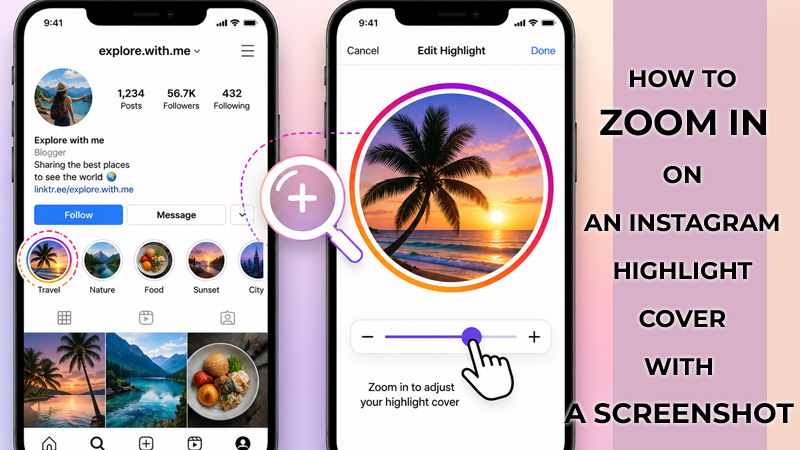
How to Zoom in on an Instagram Highlight Cover with a Screenshot ?
When you only need a closer look, take a screenshot of the profile while the Highlight row is clearly visible. Open the image in your gallery, pinch to zoom, then crop around the circle to remove extra screen clutter. This is useful for checking tiny icons, labels, or colour choices without using third-party tools. The result will not be high resolution, but it can help you study an Instagram highlight cover quickly and safely.
How to Download an Instagram Highlight Cover Safely ?
Before you download anything, treat the page like a quick safety check. A normal Instagram highlight cover downloader should feel simple, not pushy or confusing.
- Paste only the profile link or username.
- Skip any tool that asks for your Instagram password.
- Do not enter a verification code or connect your account.
- Be careful with pop-ups and fake download buttons.
- Use the saved cover for reference, not copying someone’s design.
The safer choice is the tool that lets you download Instagram highlight cover images from public profiles without asking for private account access.
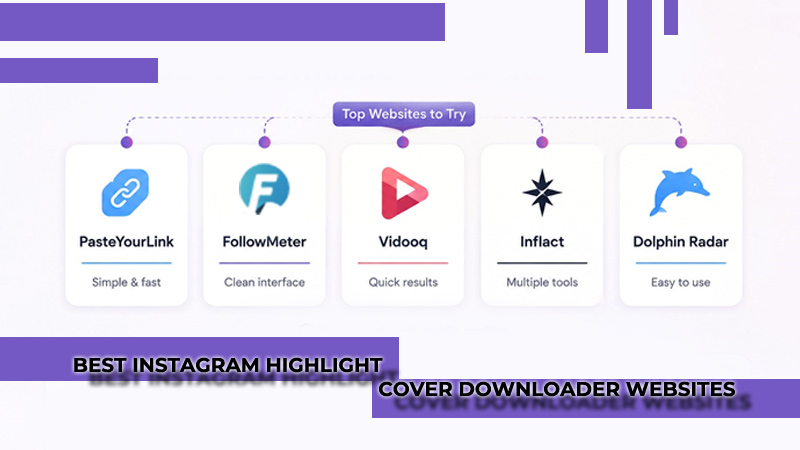
Best Instagram Highlight Cover Downloader Websites to Try
Some websites are worth trying when a screenshot is too blurry. PasteYourLink, FollowMeter, Vidooq, Inflact, and Dolphin Radar all have tools for Instagram Highlights or covers, mostly for public profiles. Still, do not treat every result as guaranteed. These tools can stop working, change their limits, or show different quality depending on the profile.
Check the page before using it. A useful Instagram highlight cover downloader should ask for only a username or profile link, load quickly, and avoid confusing ads. For a simple cover image, use a focused tool instead of a broad Instagram downloader when possible.
Can You Use an App to Save Instagram Highlight Covers ?
You can use an app, but be pickier than usual. Apps like Story Saver, InStory, InstSave, InSaver, InstantSave, and some Repost tools may help save Stories or Highlights, depending on your phone and region. Before installing one, look at the latest reviews, not just the rating. Also, check when it was last updated and what permissions it wants.
For this job, simple is better. The app should work with a copied link or profile link, not your Instagram password. Skip anything that promises private access, asks for verification codes, or pushes extra installs. If a browser tool gives you a clean Instagram highlight cover, you probably do not need an app at all.
Can You See an Instagram Highlight Cover from a Private Account?
With a private profile, there is not much to work around. You need to be accepted as a follower before you can see the Highlights area properly. If a site says it can unlock private Highlights, treat that as a warning sign, not a shortcut. Most of those pages lead to fake checks, login traps, or endless surveys.
There is a more realistic route, though. If the person also uses the same branding on TikTok, a website, or a public business page, you may spot a similar icon there. But the real Instagram highlight cover from a private account should stay behind account privacy unless you have permission.
Safety Tips Before Using an Instagram Highlight Cover Downloader
Before using any downloader, slow down for one minute and check whether the page feels trustworthy. A clean tool should make the job simple, not pressure you with urgent pop-ups or confusing buttons.
- Avoid pages that ask for your Instagram password, email login, or two-factor code.
- Do not install APK files, browser extensions, or “required” helper apps.
- Watch for ads that copy the real Download button.
- Use tools only for public profiles and public content.
- Do not reuse someone’s cover as your own branding without permission.
- Leave the page if it redirects you several times before showing a result.
The safest downloader is the one that gives a clear file without asking for private access. That matters even more when saving an Instagram highlight cover for reference, design research, or content planning.
The Safest Way to View an Instagram Highlight Cover
For most people, the safest way to view an Instagram highlight cover is to start with the profile itself, then move to browser zoom or a screenshot if the circle looks too small. Use a downloader only when the profile is public, and the tool does not ask for login details. This order keeps the process simple, protects your account security, and still gives you enough detail to check the cover style.
FAQs
Can I save a highlight cover without opening every Story?
Yes. If the profile is public, a downloader may pull the cover directly. For quick checking, screenshot zoom is often enough.
Why does the downloaded cover look blurry?
The source file may be small or compressed. Try another tool, but do not expect every Instagram highlight cover to download in HD quality.
Can the account owner see that I viewed the cover?
Looking at the profile cover itself usually does not create a Story view. Watching the Highlight Stories may show your view.
Can I use someone’s cover on my page?
Only with permission. Use it for design reference, not direct copying.