Can You Download Instagram Stories Directly on iPhone?
Downloading Instagram Stories directly on an iPhone is not supported by Instagram’s native app functionality. Users often seek ways to save their favorite stories, be it their own or those of others. However, to achieve this, alternative methods need to be employed.
Understanding Instagram’s Policy
Instagram has strict policies in place to protect users’ content, which is why the app does not offer a direct download option for stories. This is to ensure that users’ privacy is maintained and their content is not taken without consent.
Offering a Simple Solution
For users who want to download stories, seeking external solutions becomes necessary. Whether through third-party apps or online tools, these options provide alternatives to save content without contravening Instagram’s policies directly.
How to Save Your Own Instagram Stories on iPhone?
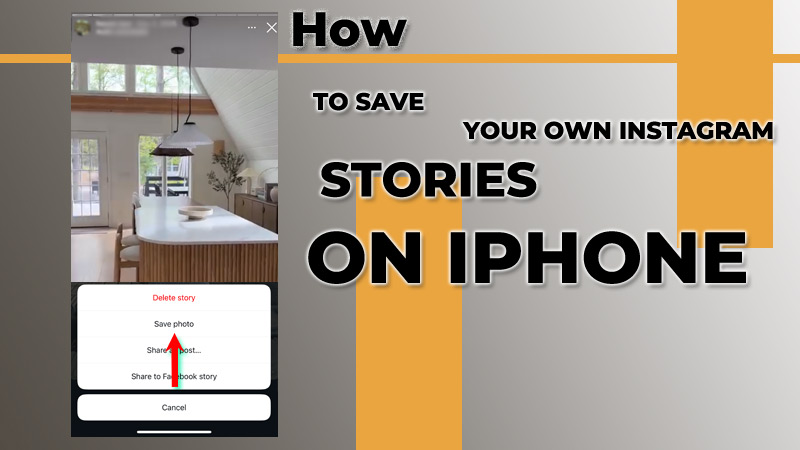
If you want to save your personal Instagram stories, the app allows for easy downloading. This can help you keep a record of your moments and share them later. Here is how you can do it directly through the Instagram app.
Accessing Your Story Archive
Instagram automatically saves stories to your archive unless you have disabled this feature. To view these, go to your profile, tap on the menu, and select ‘Archive.’ You can find all your previously posted stories here.
Downloading Stories from Your Archive
To save a story from your archive, tap on the story, and then choose the three dots in the bottom right corner. From the options, select ‘Save Video’ or ‘Save Story,’ and your content will be sent to your camera roll, making it easy to access later.
How to Download Others’Instagram Stories Using Third-Party Apps?
Many people wish to download stories shared by others. Some third-party apps can help users achieve this. However, it’s important to use these apps with caution to respect others’ privacy and ensure security.
Choosing Reliable Third-Party Apps
There are several apps available for iOS that allow you to download Instagram stories. Popular ones include StoriesIG and Followmeter. Before downloading, always check user reviews and ensure the app is reputable.
Using Third-Party Apps Effectively
To download a story using these apps, typically, you will need to copy the user’s profile link or name. Open the app, paste the link, and browse the stories available for download. Follow the on-screen prompts to save them to your device.
Can I Save an Instagram Story to My Camera Roll?
Saving an Instagram story to your camera roll is straightforward when you’re the one who made the story. This feature allows you to keep your favorite moments without needing to rely on third-party apps.
Directly Saving Your Own Content
As mentioned previously, you can easily save your stories directly from the Instagram app. By navigating to your story, tapping the options menu, and selecting ‘Save Story,’ you can instantly send it to your camera roll for future use.
Limitations for Others’ Content
When it comes to downloading stories from other users, you cannot directly save them to your camera roll unless it is through legitimate means provided by Instagram or with the user’s consent. Always remember to respect copyright and privacy rights.
How to Download Instagram Stories via Online Websites?
Besides apps, several online websites allow the downloading of Instagram stories without needing any software installations. This method can be convenient for those who don’t want to clutter their devices with apps.
Finding a Reliable Download Website
Websites like Inflact or StoriesIG allow users to enter a profile’s username and download their stories. Always ensure that you are using a secure and trustworthy site to protect your personal information.
Steps to Download via Online Sites
To download a story, simply visit the chosen website and input the username of the account. Once the profiles load, select the story you want to download, and then follow the prompts to save it directly to your iPhone.
Best Sites and Apps to Download Instagram Stories on iPhone
For iPhone users, web-based Story downloaders and mobile apps provide a fast and convenient solution without requiring advanced technical skills.
Below are some of the best websites and apps for downloading Instagram Stories on iPhone in 2026, along with detailed information about their features, advantages, and user experience.
1. StoriesIG
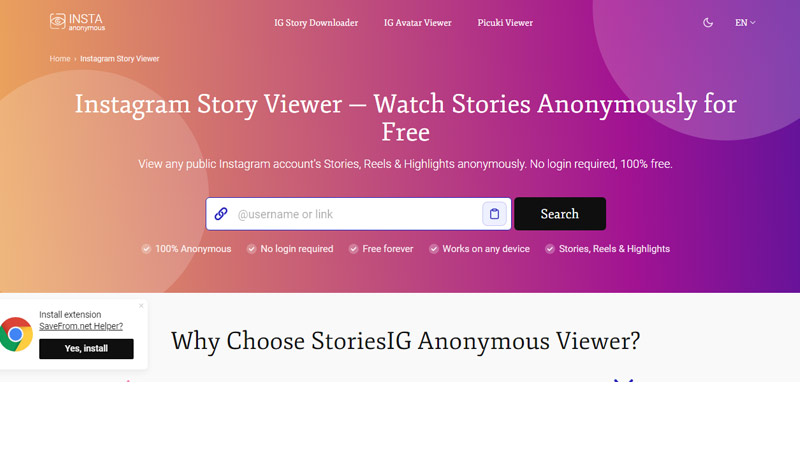
StoriesIG is one of the most trusted and widely used Instagram Story downloader websites available today. The platform is designed for users who want a quick and anonymous way to view and save Instagram Stories from public accounts directly on their iPhone browser.
One of the biggest advantages of StoriesIG is its simplicity. Users only need to enter an Instagram username to access available Stories, Highlights, and sometimes posts. The website does not require account registration or login credentials, making it convenient for casual users who prioritize privacy.
Features
StoriesIG is ideal for users who want a lightweight tool that works instantly without installing additional apps. Its clean design and mobile optimization make navigation smooth even on older iPhone devices.
2. SaveInsta
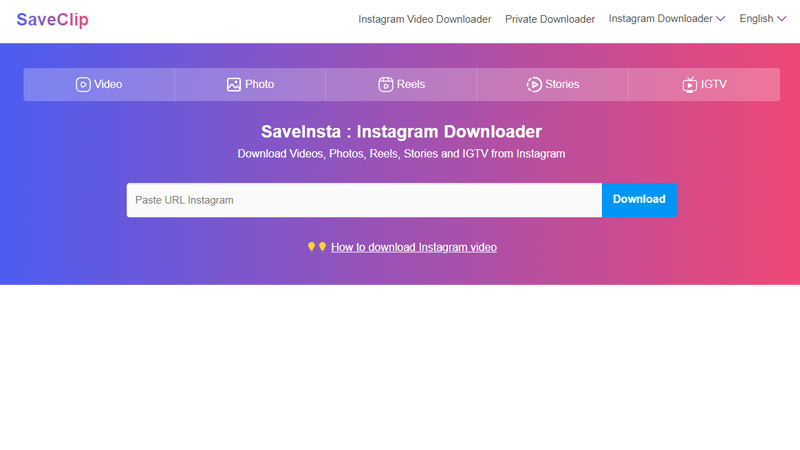
SaveInsta is a powerful all-in-one Instagram downloader that supports Stories, Reels, videos, IGTV content, and photos. The platform has become popular among iPhone users because of its fast download speeds and high-quality media support.
The website is especially useful for people who regularly save Instagram content for content creation, reposting, or inspiration. SaveInsta offers a simple copy-and-paste process that works seamlessly in Safari and other iPhone browsers.
Unlike many basic Story downloaders, SaveInsta supports nearly every type of Instagram media. This makes it a practical option for users who need more than just Story downloads.
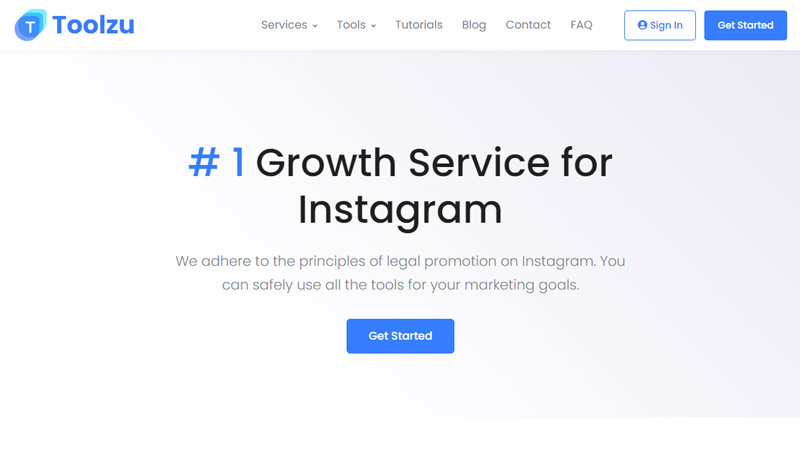
3. Toolzu
Toolzu is another highly rated Instagram Story downloader known for its clean user experience and reliable performance. The website allows users to save Stories anonymously while maintaining excellent media quality.
One feature that makes Toolzu different is its support for Instagram Story Highlights. This gives users the ability to access older Stories that creators have permanently saved on their profiles.
Toolzu works efficiently on iOS devices without requiring extra permissions or complicated steps. The site is optimized for mobile use, making downloads quick and convenient.
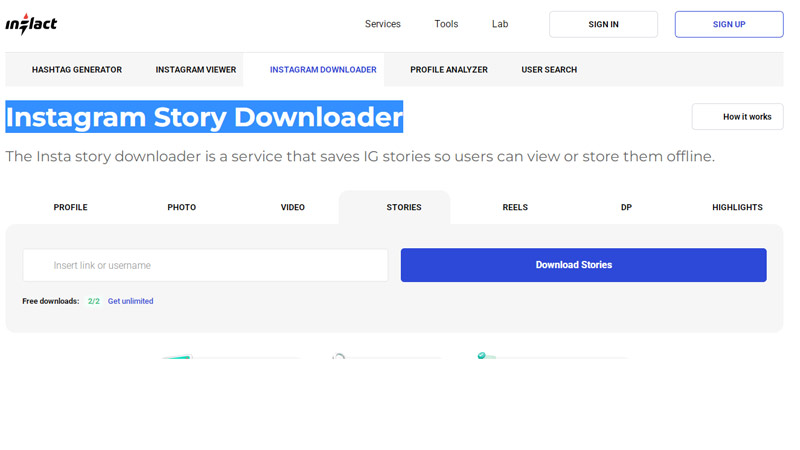
4. Inflact
Inflact is a more advanced Instagram downloading platform designed for both casual users and digital professionals. In addition to Story downloads, Inflact offers marketing and social media management tools.
The platform provides high-quality downloads and allows users to search Instagram content using usernames instead of direct links. This makes the process faster and easier for users who frequently save Instagram media.
Features
Inflact is an excellent choice for influencers, marketers, social media managers, and content creators who need professional-level Instagram tools alongside Story downloading features.
5. SnapInsta
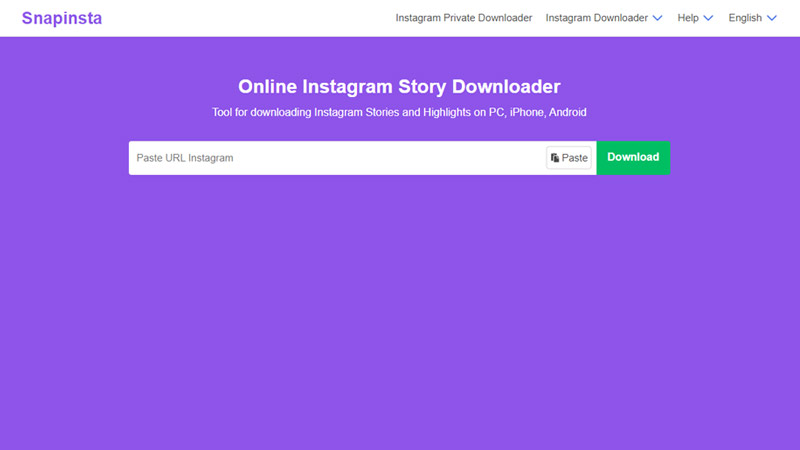
SnapInsta is a fast and beginner-friendly Instagram downloader designed for users who want a simple and efficient experience. Its mobile layout is optimized for Safari, making it particularly useful for iPhone users.
The platform supports downloading Instagram Stories, Reels, photos, and videos without requiring an Instagram account login. Many users appreciate the website’s speed and straightforward navigation.
6. Followmeter
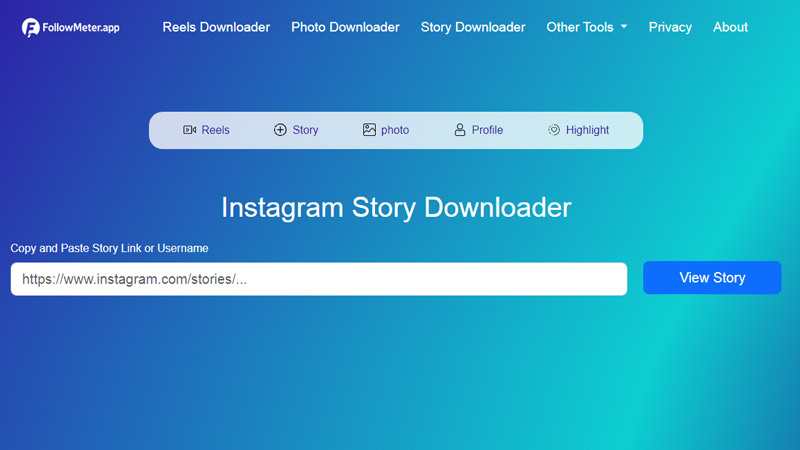
FollowMeter is a modern online Instagram Story downloader designed for users who want to save Instagram Stories quickly and safely on iPhone, iPad, Android, or desktop devices. Unlike many complicated downloader tools, FollowMeter works directly in your browser, which means there is no need to install apps, extensions, or extra software.
The platform allows users to download Instagram Stories in their original quality, including HD and even 4K resolution when available. This makes it useful for saving memorable content, creative inspiration, tutorials, travel clips, or social media references without losing image or video clarity.
One of the biggest advantages of FollowMeter is its simple user experience. Users only need to copy the Instagram Story link or username, paste it into the downloader, and press the download button. The process takes only a few seconds and works smoothly in Safari on iPhone
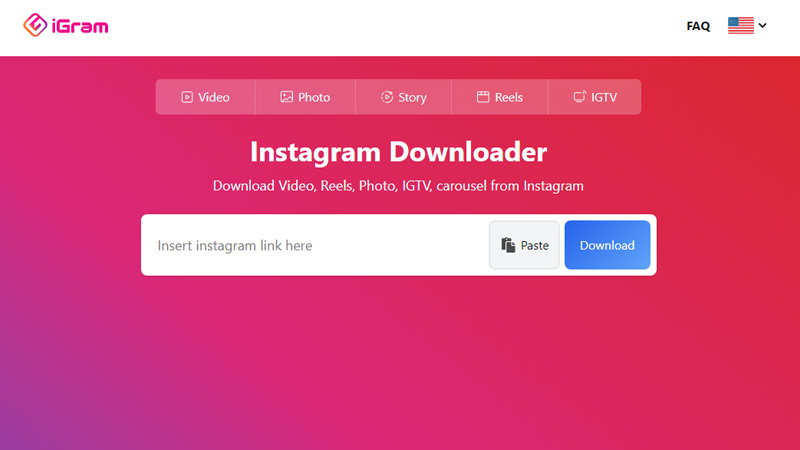
7. iGram
iGram is a well-known Instagram downloader that focuses on delivering high-quality media downloads with a smooth mobile experience. The website works effectively on both iPhone and iPad devices.
The platform supports multiple Instagram content formats and allows users to save media files quickly using a simple URL paste system. iGram is especially useful for users who value clean design and reliable performance.
Features.
Many users prefer iGram because of its minimalistic design and reliable download quality. The site provides a distraction-free experience compared to heavily advertised alternatives.
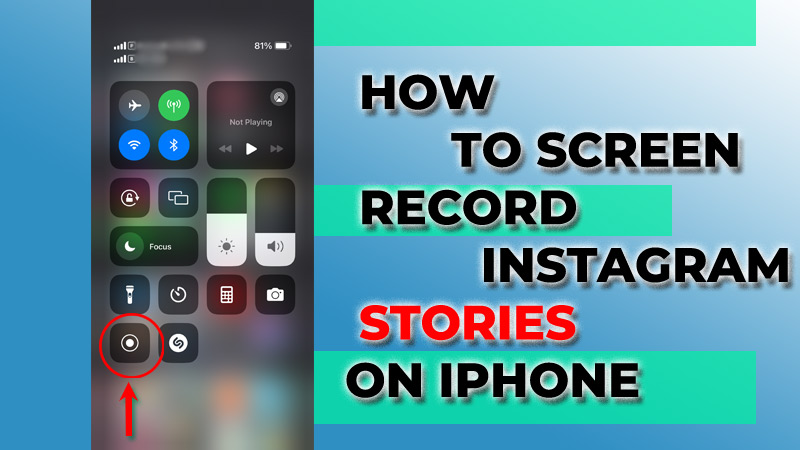
How to Screen Record Instagram Stories on iPhone?
Screen recording is another way to capture Instagram stories, especially those that cannot be downloaded. This method is quick and effective, allowing you to capture any content displayed on your screen.
Enabling Screen Recording on iPhone
First, make sure the screen recording feature is enabled on your iPhone. Go to Settings > Control Center > Customize Controls, then tap the green plus icon next to Screen Recording. This will add it to your Control Center.
Recording Instagram Stories
When you’re ready to record, swipe down from the top right corner to access the Control Center and tap the screen record button. After a countdown, open Instagram and play the story you want to capture. Remember to stop recording when you’re finished.
Is It Legal to Download Instagram Stories?
The legality of downloading Instagram stories can often be murky. While saving your own stories is clearly permissible, downloading someone else’s can infringe on their copyright, leading to potential legal issues.
Understanding Copyright Laws
Instagram stories are considered copyrighted material, and without the user’s permission, it generally constitutes copyright infringement to download and share that content. Always approach content sharing with caution and respect for the original creator’s rights.
Seeking Permission from Creators
If you wish to use someone else’s story, the best practice is to seek permission from the owner. Many users appreciate being asked and may grant you permission to share and save their content legitimately.
Tips for Safe Story Downloading on iPhone?
When downloading Instagram stories on your iPhone, it is crucial to practice safety and consideration. Being cautious not only keeps your device secure but also ensures that you respect the rights of content creators.
Use Trusted Sources
Whether you are using apps or websites, always be sure to choose reliable and extensively reviewed platforms. Using unverified sources can expose you to malware or personal data theft.
Stay Within Legal Limitations
Always be mindful of copyright laws and individual rights. Downloading content responsibly by obtaining permission keeps the Instagram community respectful and fair.
For iPhone users, web-based Instagram Story downloaders are the easiest and fastest option. StoriesIG, SaveInsta, Toolzu, Inflact, SnapInsta, and iGram all provide convenient ways to save Stories directly from Safari without installing apps.
If you only need occasional downloads, StoriesIG or SnapInsta are excellent choices. For advanced features and professional use, Inflact and Toolzu offer more powerful tools.